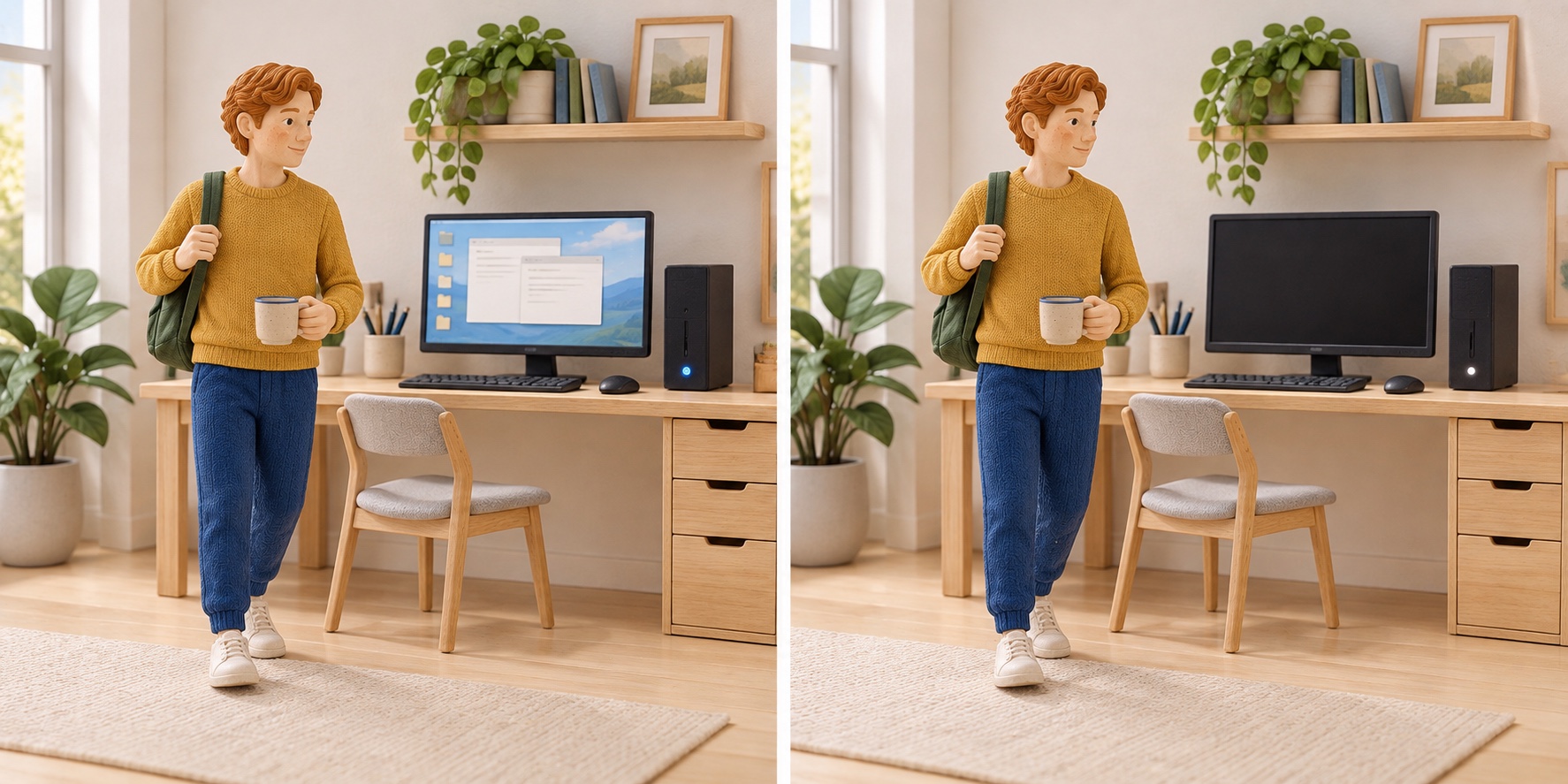
Let your computer sleep during breaks
Why this can help
Automatic sleep can reduce electricity while a computer would otherwise remain awake and unused. Check that the computer itself enters sleep; a dark screen or screen saver is not enough.
One possible next step
Set a suitable sleep timeout, then leave the computer idle once and check that the computer itself enters sleep.
What changes the outcome
Power and compatible idle hours vary by device and workload. The initial wattages are a historical example, not a current average. Count only otherwise-idle hours after the timeout; required processing and external displays are outside this example.
Your illustrative scenario
Over one year · with the assumptions below
You
24.96 kilowatt-hours of electricity less
You + 10 friends
274.56 kilowatt-hours of electricity less
1,000 participants
24,960 kilowatt-hours of electricity less
These are scenarios, not measured personal or collective savings. One separate device or device group per participant. A shared object is counted once.
Your inputs
- Computer power while idle
- 50 W
- Computer power while asleep
- 2 W
- Otherwise-idle hours shifted per day
- 2 h
- Days per week
- 5
- Weeks per year
- 52
Calculation of the difference: (50 − 2) W × 2 h × 5 × 52 / 1000 = 24.96 kilowatt-hours of electricity
Calculation boundaries
Computer electricity during otherwise-idle hours that genuinely become sleep. External monitors, peripherals and tasks requiring the computer to remain awake are excluded. Do not also count these hours as standby savings.
50 W idle and 2 W sleep are an illustrative example in a 2015 California Energy Commission report, not a current average. Hours, days and weeks are hypothetical; use actual device measurements and compatible breaks.
Sources and calculation references
- ComputersU.S. Environmental Protection Agency, ENERGY STAR
- Analysis of Computers, Computer Monitors, and Signage Displays, CEC-400-2015-009-SDHarinder Singh and Ken Rider, California Energy Commission · 2015
Read the method: universalizable.com/en/method/ · One sheet · print double-sided, long-edge binding